
New Glowing Ores
Resource pack · by GridExpert · 8.8M downloads · Minecraft 26.3
What New Glowing Ores does
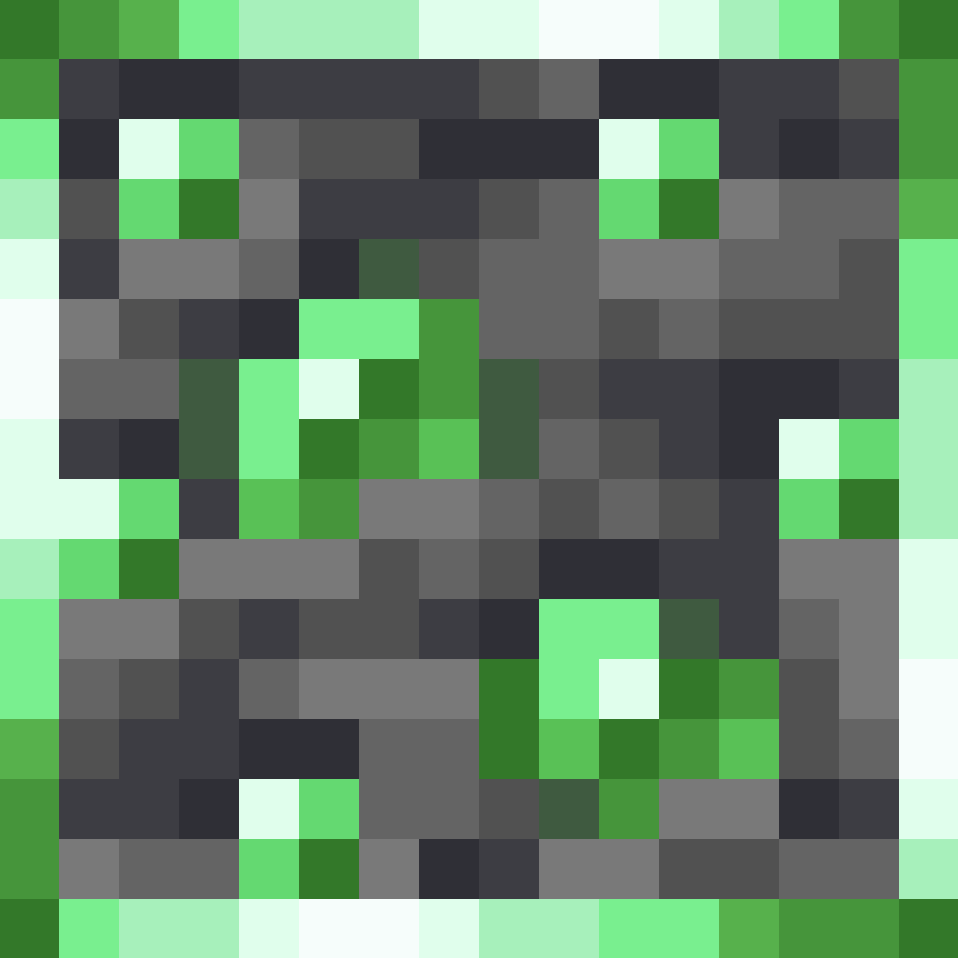
Ores in vanilla Minecraft blend into stone, especially in dim caves. New Glowing Ores makes the ore pixels emit light so they stand out even in darkness – coal, iron, gold, diamonds, ancient debris and also the raw ore blocks. It keeps the default textures' look, so your game still feels vanilla; the ores simply catch your eye.
There are two editions:
- Default – only the ore texture glows.
- Border – the ores glow and get a connected outline around the vein, so you can see at a glance how many blocks are in a cluster.
Requirements
This pack cannot work alone; vanilla Minecraft has no glowing textures. You need one of:
| Setup | Required mod |
|---|---|
| Vanilla or Forge | OptiFine |
| Fabric | Continuity |
| NeoForge | Continuity + Sinytra Connector |
If you combine Continuity with Sodium 0.5.x or older, add Indium as well. Newer Sodium versions don't need it.
The Border edition requires Continuity; OptiFine is not supported for that one. The listed versions start at 1.17, and the author says the pack generally works on newer releases as long as the helper mods are present, even if a launcher flags it as incompatible.
Modded ores
Ores from some popular mods are covered too. Support differs per edition – for example Create and Werewolves work in both, Mekanism only in Border, while Infernal Expansion, Oh The Biomes You'll Go and Cobblemon are covered by the Default version.
Who it suits
Great for survival players who mine by hand and hate walking past a diamond hidden in shadow. Unlike Fullbright UB, caves stay dark and scary – only the ores light up. Some competitive servers may see glowing ores as an x-ray-like advantage, so check rules before joining.
FAQ
Why don't my ores glow with New Glowing Ores?
The pack needs a mod that supports emissive textures. Use OptiFine on vanilla or Forge, Continuity on Fabric, or Continuity plus Sinytra Connector on NeoForge.
Does the Border version work with OptiFine?
No. The outline (Border) version only works with Continuity. With OptiFine, use the default version where only the ores glow.
Do I need Indium with Continuity?
Only if you run Sodium 0.5 or older. From Sodium 0.6 onward Indium is not needed.
Gallery


Downloads by version
| Minecraft | Mod version | File | |
|---|---|---|---|
| 26.3 | 2.0-1.21-border | 0.3 MB | Download |
| 26.2 | 2.0-1.21-border | 0.3 MB | Download |
| 26.1.2 | 2.0-1.21-border | 0.3 MB | Download |
| 26.1.1 | 2.0-1.21-border | 0.3 MB | Download |
| 26.1 | 2.0-1.21-border | 0.3 MB | Download |
| 1.21.11 | 2.0-1.21-border | 0.3 MB | Download |
| 1.21.10 | 2.0-1.21-border | 0.3 MB | Download |
| 1.21.9 | 2.0-1.21-border | 0.3 MB | Download |
| 1.21.8 | 2.0-1.21-border | 0.3 MB | Download |
| 1.21.7 | 2.0-1.21-border | 0.3 MB | Download |
| 1.21.6 | 2.0-1.21-border | 0.3 MB | Download |
| 1.21.5 | 2.0-1.21-border | 0.3 MB | Download |
| 1.21.4 | 2.0-1.21-border | 0.3 MB | Download |
| 1.21.3 | 2.0-1.21-border | 0.3 MB | Download |
| 1.21.2 | 2.0-1.21-border | 0.3 MB | Download |
| 1.21.1 | 2.0-1.21-border | 0.3 MB | Download |
| 1.21 | 2.0-1.21-border | 0.3 MB | Download |
| 1.20.6 | 1.3-1.20-border | 0.2 MB | Download |
| 1.20.5 | 1.3-1.20-border | 0.2 MB | Download |
| 1.20.4 | 1.3-1.20-border | 0.2 MB | Download |
| 1.20.3 | 1.3-1.20-border | 0.2 MB | Download |
| 1.20.2 | 1.3-1.20-border | 0.2 MB | Download |
| 1.20.1 | 1.3-1.20-border | 0.2 MB | Download |
| 1.20 | 1.3-1.20-border | 0.2 MB | Download |
| 1.19.4 | 1.3-1.20-border | 0.2 MB | Download |
| 1.19.3 | 1.3-1.20-border | 0.2 MB | Download |
| 1.19.2 | 1.3-1.20-border | 0.2 MB | Download |
| 1.19.1 | 1.3-1.20-border | 0.2 MB | Download |
| 1.19 | 1.3-1.20-border | 0.2 MB | Download |
| 1.18.2 | 1.3-1.20-border | 0.2 MB | Download |
| 1.18.1 | 1.3-1.20-border | 0.2 MB | Download |
| 1.18 | 1.3-1.20-border | 0.2 MB | Download |
| 1.17.1 | 1.3-1.20-default | 0.1 MB | Download |
| 1.17 | 1.3-1.20-default | 0.1 MB | Download |
🛡 Files are downloaded directly from Modrinth’s servers – we never modify or rehost them. Modrinth ↗
How to install this mod
- Click “Download” to get the .zip – do not unzip it.
- Copy it into
.minecraft/resourcepacks. - In game: Options → Resource Packs → click the arrow to enable it.
- Using several packs? Put the most important one on top.
💬 Comments
✨ You might also like

Better 3D Beds
by heycronus
Better 3D Beds is a texture pack for Minecraft that significantly enhances the appearance of beds in the game, making them more realistic and detailed with new 3D models. This texture replaces the old bed models with more beautiful and immersive versions.

(Bee's) Fancy Crops
by bebebea_loste
My take on prettier farming, compatible with mods

Os' Colorful Grasses
by Oslypsis
Fluffier grasses! Tall, short, or original X style versions available, as well as a mix of the three for the optimal balance of visuals & performance. Get the full version on Patreon!

Vanilla Experience+
by Kryqu
It improves, refines, and fixes various aspects while keeping the Vanilla style.

Created Simple Storage Network
by Makzzin
Created Storage Network is an Resource Pack that updates the textures of this incredible mod made by Lothrazar with the textures of another incredible mod by Simibubi.

Optimized Bushy Leaves
by B1uberri
Bushy leaves designed with performance in mind, especially for mid-range and lower-end PCs.