
Low On Fire
Resource pack · by Haikis · 18M downloads · Minecraft 26.3
Stop fire from blinding you
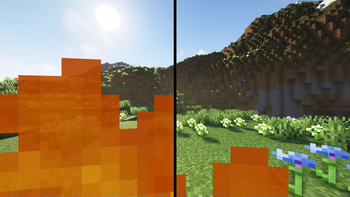
When you catch fire in Minecraft, flames sweep up from the bottom of the screen and cover a big chunk of your view – exactly when you need to see where you are going. Low On Fire fixes that one annoyance. With the pack on, the burning overlay sits low in a thin strip, leaving the rest of the screen clear.
What changes and what does not
- Changed: the flame overlay you see in first person while burning.
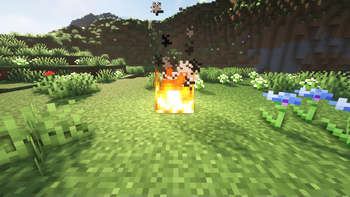
- Unchanged: fire blocks, soul fire, campfires and how burning mobs look. Unlike some low-fire packs, this one leaves world fire alone.
- Vanilla-friendly 16x style, so it does not clash with other texture packs.
Compatibility
- Pure resource pack; no OptiFine or mods needed.
- Listed for a very wide range of versions on Modrinth, back to old releases, which makes it handy for 1.8 PvP setups as well as modern survival.
- Client side only – it never affects other players or the server.
Who uses it
PvP players who fight around lava, fire aspect swords and flame bows, plus anyone exploring the Nether in survival. Pair it with Low Shield to tidy up your view further, or compare with Low Fire, a similar take on the same idea. More combat-friendly packs are listed in our resource pack guide.
FAQ
Does Low On Fire need OptiFine?
No. It is a plain resource pack that works in the vanilla game, so you just add it in the Resource Packs menu.
Does it change fire blocks too?
No. Only the first-person flame overlay is lowered. Fire on the ground, campfires and burning mobs look the same as vanilla.
Is Low On Fire allowed on PvP servers?
It is a client-side visual tweak that many PvP players use, but each server sets its own rules. Check the server's allowed-mods list if you are unsure.
Gallery
Downloads by version
🛡 Files are downloaded directly from Modrinth’s servers – we never modify or rehost them. Modrinth ↗
How to install this mod
- Click “Download” to get the .zip – do not unzip it.
- Copy it into
.minecraft/resourcepacks. - In game: Options → Resource Packs → click the arrow to enable it.
- Using several packs? Put the most important one on top.
💬 Comments
✨ You might also like

Low Fire
by Oculie
Lower your first-person fire to enhance visibility!

Drodi's Illagers x Fresh Animation
by Drodi
Makes Drodi's Illagers compatible with Fresh Animations!

Small Shield & Totem
by blobh
Compatible with custom totem textures. Also adds small totem pop

Weskerson's 3D Items
by weskerson
Add some 3D charm to your Tools and Handhelds, while maintaining the original 2D sprites in your inventory! Now HMI compatible! (Formerly 3D Tools and Utils)
New Glowing Ores
by GridExpert
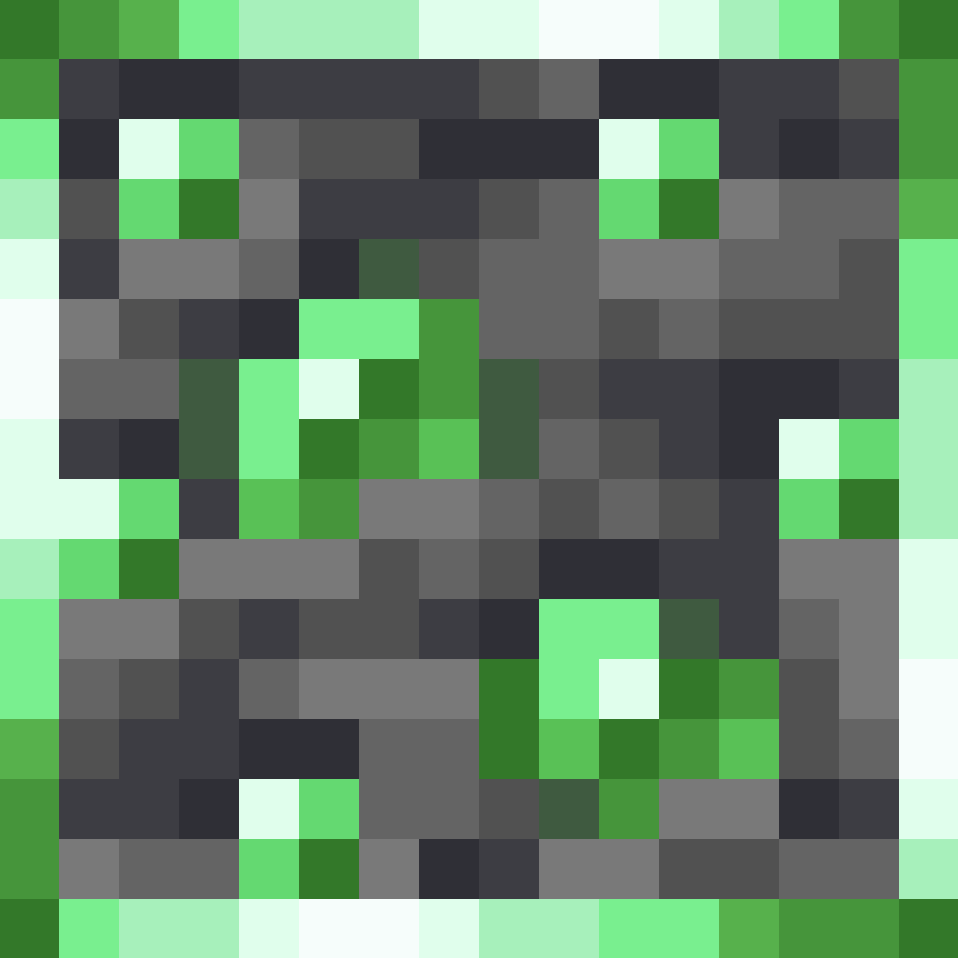
Makes ores glow to make them more visible, and also adds connected outlines to them so you don't miss a single block. Mod support available

(Bee's) Fancy Crops
by bebebea_loste
My take on prettier farming, compatible with mods