

Dynamic FPS
Mod · by juliand665 · 73.2M downloads
About
Dynamic FPS is a Minecraft Java mod for management, optimization, and utility, made for Fabric, NeoForge, Forge, and Quilt, supporting versions 1.14.3 to 26.3. It is developed by juliand665 and has 73.2M downloads on Modrinth.
Author’s original description:
Reduce resource usage while Minecraft is in the background, idle, or on battery.
Gallery
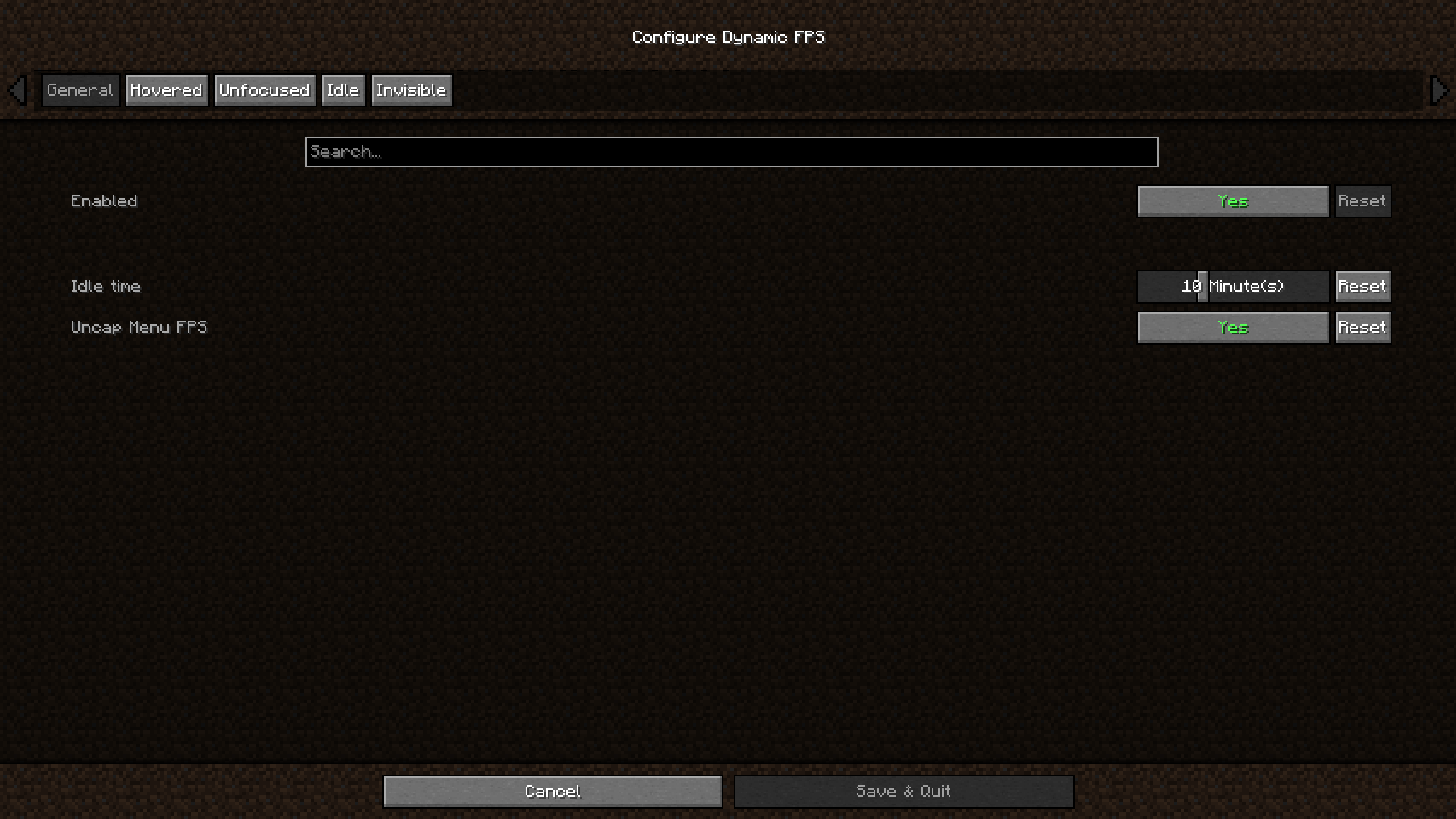
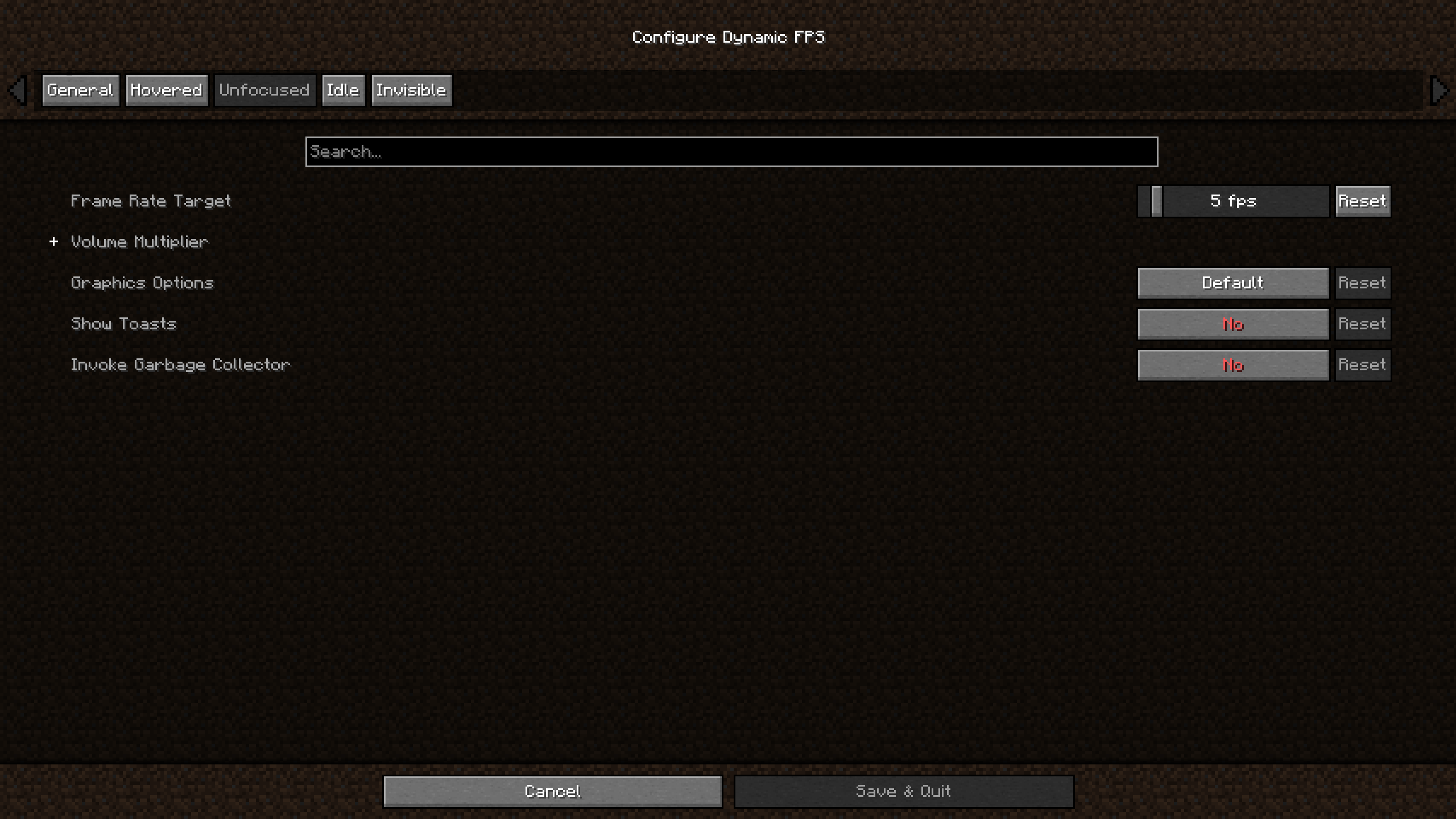
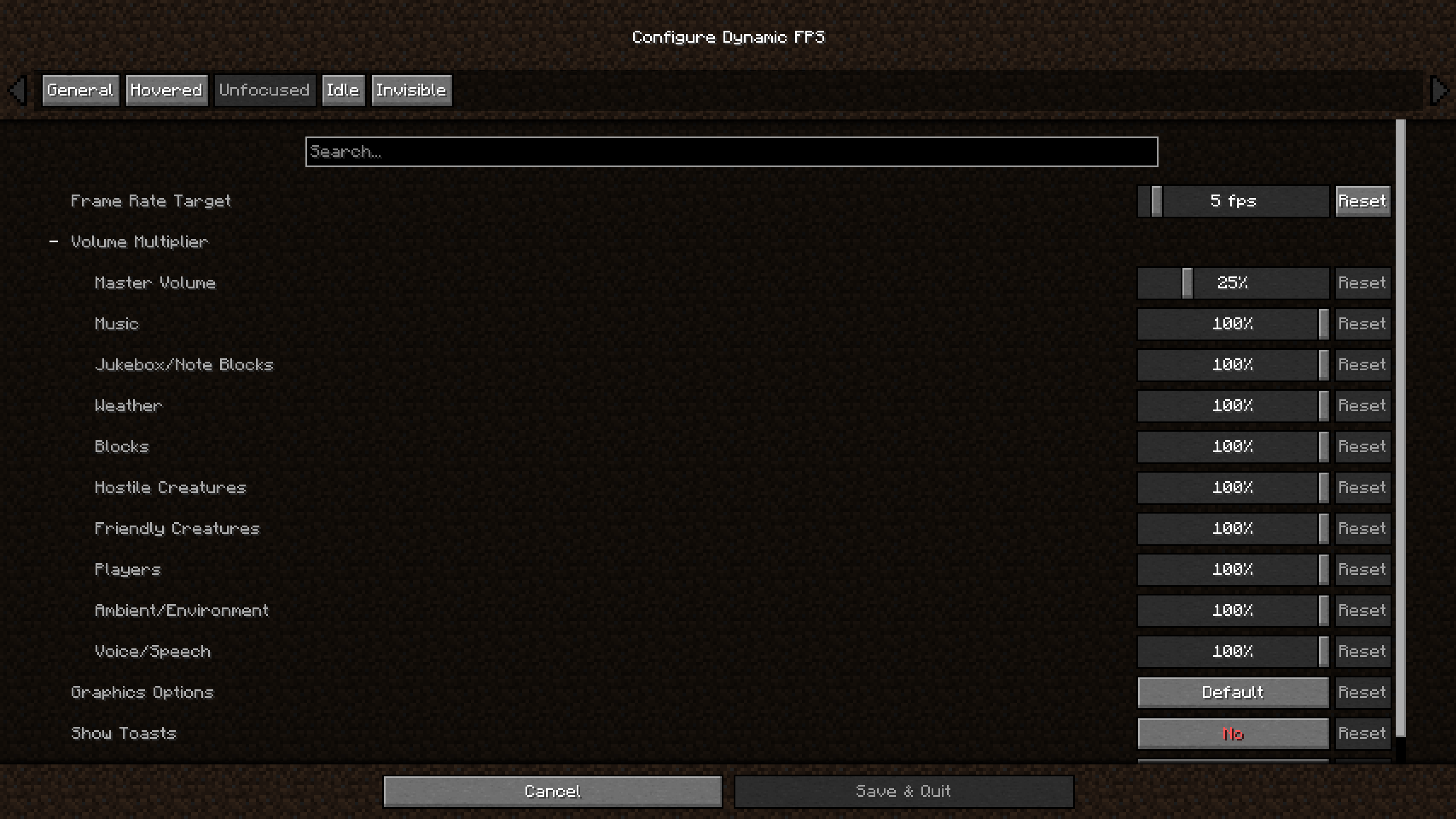
Downloads by version
| Minecraft | Loader | Mod version | File | |
|---|---|---|---|---|
| 26.3 | Fabric | 3.11.10 | 0.2 MB | Download |
| 26.3 | NeoForge | 3.11.10 | 0.2 MB | Download |
| 26.3 | Quilt | 3.11.10 | 0.2 MB | Download |
| 26.2 | Fabric | 3.11.9 | 0.2 MB | Download |
| 26.2 | NeoForge | 3.11.9 | 0.2 MB | Download |
| 26.2 | Quilt | 3.11.9 | 0.2 MB | Download |
| 26.1.2 | Fabric | 3.11.7 | 0.2 MB | Download |
| 26.1.2 | NeoForge | 3.11.7 | 0.2 MB | Download |
| 26.1.2 | Quilt | 3.11.7 | 0.2 MB | Download |
| 26.1.1 | Fabric | 3.11.7 | 0.2 MB | Download |
| 26.1.1 | NeoForge | 3.11.7 | 0.2 MB | Download |
| 26.1.1 | Quilt | 3.11.7 | 0.2 MB | Download |
| 26.1 | Fabric | 3.11.7 | 0.2 MB | Download |
| 26.1 | NeoForge | 3.11.7 | 0.2 MB | Download |
| 26.1 | Quilt | 3.11.7 | 0.2 MB | Download |
| 1.21.11 | Fabric | 3.11.6 | 0.2 MB | Download |
| 1.21.11 | NeoForge | 3.11.6 | 0.2 MB | Download |
| 1.21.11 | Quilt | 3.11.6 | 0.2 MB | Download |
| 1.21.10 | Fabric | 3.11.6 | 0.2 MB | Download |
| 1.21.10 | NeoForge | 3.11.6 | 0.2 MB | Download |
| 1.21.10 | Quilt | 3.11.6 | 0.2 MB | Download |
| 1.21.9 | Fabric | 3.11.6 | 0.2 MB | Download |
| 1.21.9 | NeoForge | 3.11.6 | 0.2 MB | Download |
| 1.21.9 | Quilt | 3.11.6 | 0.2 MB | Download |
| 1.21.8 | Fabric | 3.11.4 | 0.2 MB | Download |
| 1.21.8 | NeoForge | 3.11.4 | 0.2 MB | Download |
| 1.21.8 | Quilt | 3.11.4 | 0.2 MB | Download |
| 1.21.7 | Fabric | 3.11.4 | 0.2 MB | Download |
| 1.21.7 | NeoForge | 3.11.4 | 0.2 MB | Download |
| 1.21.7 | Quilt | 3.11.4 | 0.2 MB | Download |
| 1.21.6 | Fabric | 3.11.4 | 0.2 MB | Download |
| 1.21.6 | NeoForge | 3.11.4 | 0.2 MB | Download |
| 1.21.6 | Quilt | 3.11.4 | 0.2 MB | Download |
| 1.21.5 | Fabric | 3.11.4 | 0.2 MB | Download |
| 1.21.5 | Forge | 3.11.4 | 0.4 MB | Download |
| 1.21.5 | NeoForge | 3.11.4 | 0.2 MB | Download |
| 1.21.5 | Quilt | 3.11.4 | 0.2 MB | Download |
| 1.21.4 | Fabric | 3.11.8 | 0.2 MB | Download |
| 1.21.4 | Forge | 3.11.8 | 0.4 MB | Download |
| 1.21.4 | NeoForge | 3.11.8 | 0.2 MB | Download |
🛡 Files are downloaded directly from Modrinth’s servers – we never modify or rehost them.
How to install this mod
- Install Fabric for the Minecraft version you play.
- Pick your Minecraft version + loader in the table above and click “Download” to get the .jar.
- Open
.minecraft/mods(Windows: type%appdata%\.minecraftin the address bar) and copy the file there. - Start the launcher, choose the Fabric profile and press Play.
💬 Comments
📰 Latest articles
- Supports
- 1.14.3 – 26.3
- Client
- required
- Server
- not needed
- License
- MIT
- Updated
- Source code
- GitHub ↗